The best apps for CBT blend proven therapeutic techniques with a user-friendly design to help you get a real handle on your thoughts and behaviours. They act as a digital toolkit, transforming traditional CBT worksheets into simple, interactive exercises. For example, a thought record becomes a guided journaling prompt, making it easy to challenge negative thoughts on the go. Let's break down what makes an app truly effective, so you can pick one based on sound principles, not just a good sales pitch.
What Really Makes a CBT App Work?
Cognitive Behavioural Therapy (CBT) isn't just about feeling better; it's a structured, goal-focused therapy that teaches you to identify and change unhelpful thinking patterns and behaviours. The best apps for CBT take these core ideas and turn them into simple, accessible exercises you can do right on your phone.
Think of them as a digital toolkit for building mental resilience. For instance, a traditional CBT worksheet that helps you challenge automatic negative thoughts gets transformed into an interactive, guided journaling prompt inside the app. It's the same powerful technique, just made for modern life.
Core Features That Drive Real Change
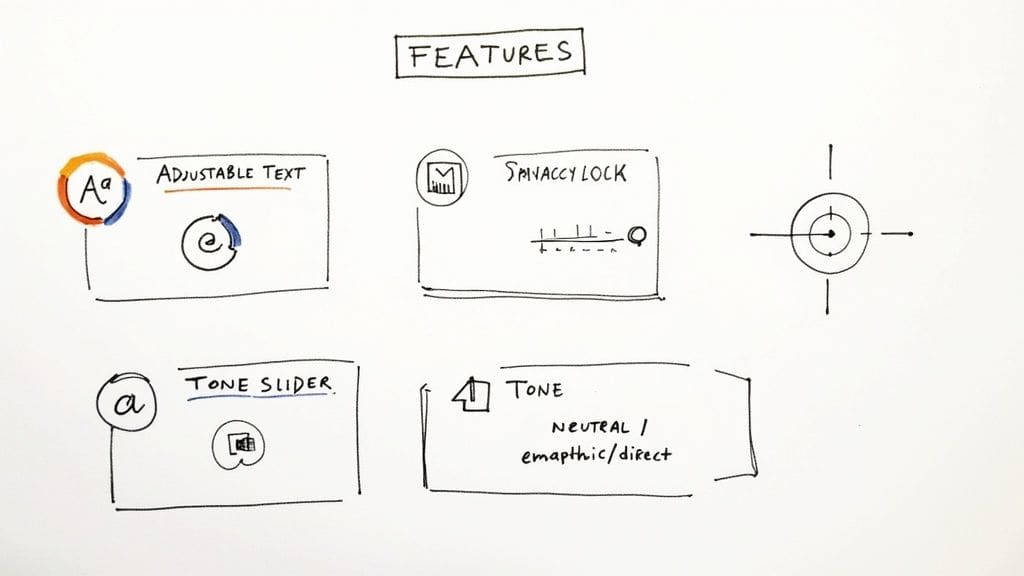
A good CBT app doesn't reinvent the wheel. Instead, it cleverly translates established therapeutic practices into simple, engaging features. These tools are designed to help you become more aware of your own mental habits and give you the power to start reshaping them.
Here are a few of the must-haves:
* Thought Records: A dedicated space to jot down negative thoughts as they happen, pinpoint the cognitive distortions behind them (like all-or-nothing thinking), and practise reframing them with a more balanced viewpoint.
* Mood and Behaviour Tracking: Simple tools to log how you're feeling and what you're doing throughout the day. Over time, this data reveals incredibly powerful connections between your feelings, thoughts, and actions.
* Guided Exercises: Structured activities that walk you through things like relaxation techniques, behavioural experiments, or goal-setting exercises—all pulled directly from proven CBT protocols.
These features make it possible to apply CBT concepts in the moment, helping you build practical skills between therapy sessions or as a standalone practice. They're especially brilliant for managing conditions like anxiety because they offer immediate, actionable steps you can take. If you'd like to dive deeper, we have a whole guide on apps designed to help with anxiety.
There's a reason these tools are so popular. In the UK's digital mental health market, which was valued at around USD 295 million, cognitive behavioural therapy apps have become the clear leader. Their growth is all down to their evidence-based approach and proven track record in helping with various mental health conditions, which is why they've pulled ahead of other wellness apps. This really shows how much people value having structured, reliable tools right in their pocket.
Must-Have Features of a Great CBT App
Beyond the basic exercises, the best CBT apps offer a thoughtful collection of features that make the tool not just effective, but also safe, engaging, and genuinely supportive. These elements are what separate a decent digital tool from one that can truly become a trusted part of your mental wellness routine.
First and foremost is data privacy. Let's be honest, you'll be sharing incredibly sensitive, personal information. Because of that, understanding how an app protects your data is non-negotiable. A great app will have a clear, easy-to-understand privacy policy explaining what data is collected, how it's stored (look for encryption), and if it's ever shared.
Apps that truly prioritise your privacy often store data locally on your device, giving you complete control.
Accessibility and Usability for Everyone
What good is a therapy tool if you can't comfortably use it? Top-tier apps for CBT are built with accessibility in mind, making sure everyone can benefit, regardless of their physical or cognitive needs.
Essential accessibility features to look for include:
* Adjustable Text Size: The ability to make text bigger or smaller to suit your vision.
* High-Contrast Modes: Colour schemes that make words and buttons easier to see and read.
* Simple Navigation: A clean, uncluttered layout that doesn't create cognitive overload or confusion.
When you see these features, it shows the developers have actually thought about the diverse needs of their users, creating a much more inclusive and welcoming experience from the moment you open the app.
Tools for Personalised Practice
CBT isn't a one-size-fits-all approach, and your app shouldn't be either. The real magic happens when you can customise the experience, making the therapy process more relevant and effective for your specific goals.
Look for apps that let you tailor the tools to your own journey. This might mean setting personalised goals, choosing from different journaling formats, or creating your own thought record templates. When you can shape the app to fit your life, you're far more likely to stick with it and see meaningful progress.
> Personalisation is key. An app that adapts to your individual needs and preferences transforms from a generic self-help tool into a personal mental health companion, significantly increasing its therapeutic value.
For instance, some apps provide a whole library of exercises. This lets you focus on the skills that matter most to you right now, whether that's managing anxiety, challenging negative self-talk, or building self-esteem.
The Power of Tone and Language
The way an app communicates with you can dramatically impact how comfortable you feel using it. A supportive, non-judgmental tone is crucial, but the real innovation comes from apps that give you control over that tone.
This is especially important for neurodivergent individuals, for whom a specific interaction style can make all the difference between an app feeling helpful or overwhelming. Tonen, for example, allows users to choose the conversational tone—like direct, warm, or softer—and provides tools like the Perspective Helper to reframe thoughts in a structured way. This aligns the app's style with your personal needs for processing information.
This level of control empowers you to engage with CBT exercises on your own terms. For those with ADHD, for instance, having customisable features can be a game-changer, something we discuss in our guide on the best apps for ADHD adults. Ultimately, the right tone makes the app feel less like a clinical tool and more like a supportive partner in your mental health journey.
How to Choose Neurodivergent-Friendly Apps
Most apps just aren't built with neurodivergent people in mind. For anyone with autism, ADHD, or dyslexia, that means a standard app design can feel like an obstacle course of sensory overload, confusing information, and executive function hurdles. A generic CBT app can quickly become another source of stress.
But the right app? That feels like an ally. It should adapt to you, not the other way around. Let's walk through how to find a tool that genuinely supports your brain.
To help you sort through the options, we've put together a practical checklist. Think of it as a filter to see which apps for CBT are truly built with a neurodivergent perspective at their core.
Looking for CBT-based tools? tonen can help.
tonen gives you 188+ conversation scripts, tone guidance and calming tools — designed for autistic adults, ADHD and social anxiety. Try it free for 7 days.
Download on the App StoreiOS only. Android coming soon.
Neurodivergent-Friendly App Evaluation Checklist
| Evaluation Area | Key Questions to Ask | Look for These Features |
|---|---|---|
| Sensory Experience | Does the interface feel visually calm or chaotic? Are the colours, fonts, and sounds overwhelming? | Minimalist design, customisable colour palettes, adjustable font sizes, options to turn off sounds or animations. |
| Cognitive Load | Does the app present too much information at once? Is the navigation predictable? | Bite-sized lessons, clear, step-by-step instructions, one task per screen, consistent and intuitive layout. |
| Executive Function Support | Does it help with planning, starting tasks, and remembering? | Customisable reminders (timing, frequency, tone), progress trackers, goal-setting features, structured exercises. |
| Flexibility & Control | Can I make the app work for my specific needs? Am I in charge of the experience? | Options for text, audio, or video content; adjustable pacing; ability to skip or repeat sections. |
| Communication Style | Does the app's tone feel supportive and respectful? Can I choose how it communicates with me? | Empathetic language, options to select a communication tone (e.g., direct, gentle), non-judgemental feedback. |
Using this checklist will help you cut through the noise and identify apps that are more likely to be a sustainable part of your mental wellness toolkit.
Prioritise a Sensory-Friendly Design
Your first checkpoint should always be the app's sensory environment. A visually "loud" interface, packed with clutter and jarring colours, is an immediate red flag. It creates distraction and anxiety, making it nearly impossible to focus on the actual therapy work.
Look for apps that feel peaceful and organised. This usually means a minimalist aesthetic with calming colours, plenty of empty space, and a clean layout that guides your eye instead of fighting for your attention.
Watch Out for Cognitive Load
Cognitive load is just a technical term for how much brainpower an app demands from you. For many neurodivergent people, an app that throws a wall of text or a dozen options at you at once can lead to an instant shutdown. The best apps for CBT deliver information in manageable, bite-sized pieces.
Here's what to look for:
* Structured Information: Does the app break down big CBT ideas into simple, one-at-a-time exercises?
* Predictable Navigation: Is the layout consistent and easy to follow? You shouldn't have to relearn how to use it every time you open it.
* Focused Tasks: Does the app guide you through a single task on each screen, avoiding confusing multi-step processes?
A well-designed app respects your cognitive energy, making it possible to engage consistently without feeling completely drained. That respect is crucial for long-term use.
Look for Customisation and Control
Neurodivergence is a spectrum, not a single experience. That's why an app's ability to be personalised is so incredibly important. When you have control over your digital environment, it can dramatically reduce the anxiety that often comes with using a new tool.
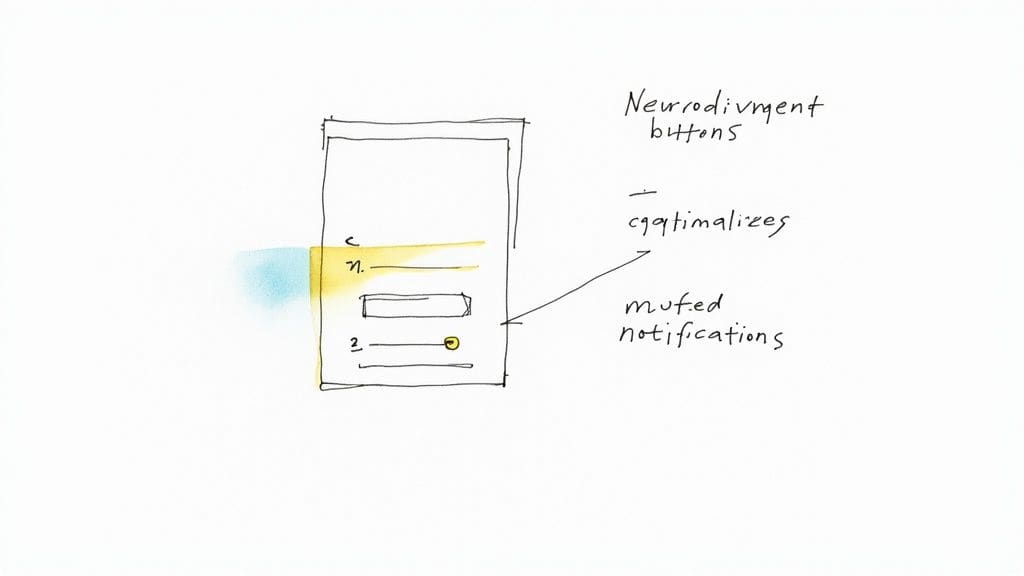
Customisable notifications are a perfect example. The ability to change the timing, frequency, and sound of reminders means they can be a gentle nudge instead of a jarring interruption. This small feature is a huge win for managing overwhelm and supporting executive function.
Another game-changer is being able to choose the app's interaction style. An app like Tonen, which lets you switch between direct, empathetic, or neutral communication tones, puts you in the driver's seat. Its Calm Kit provides immediate grounding tools, while the Scripts Library helps you prepare for social situations—both core elements of practical CBT. It ensures the app speaks to you in a way that feels safe and comfortable, making the whole experience more approachable.
If you're looking for more tools that put you in control, our guide to the best free mental health apps is a great place to continue your search. By keeping these neurodivergent-friendly criteria in mind, you can find an app that truly supports you, on your own terms.
Weaving a CBT App Into Your Daily Routine
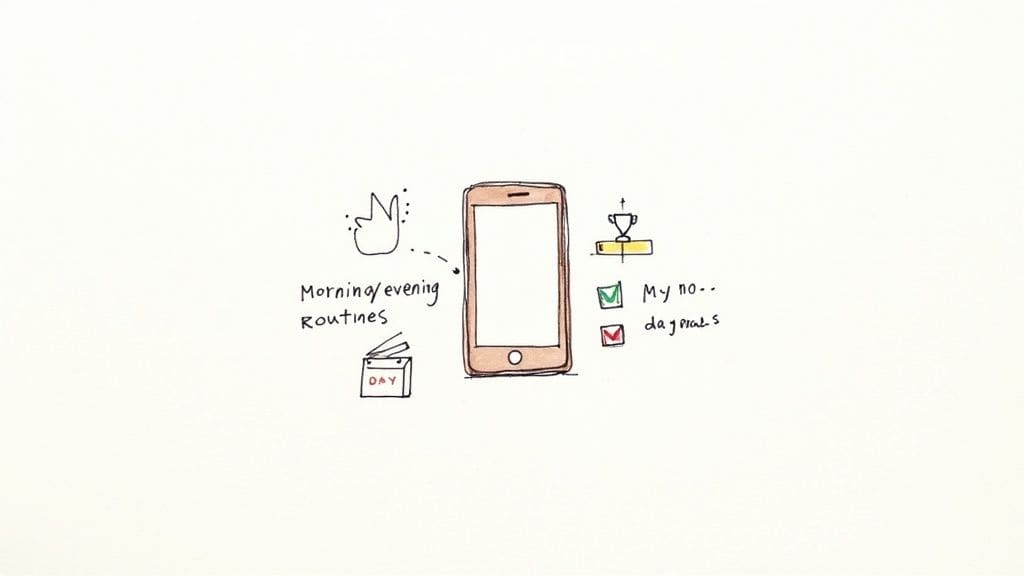
Downloading a CBT app is the easy part. The real magic happens when you turn it from a novelty on your phone into a trusted part of your daily life. It's less about a huge commitment and more about creating a small, consistent habit that works for you.
Think of it like starting a new fitness plan. You don't jump into a marathon on day one. You start with a walk around the block. Consistency beats intensity, every single time.
Find Your Rhythm
First things first, set a goal that feels almost too easy. Forget about an hour a day. How about five or ten minutes? Find a quiet moment that's already part of your day—maybe while your coffee brews, during your lunch break, or just before you turn out the lights.
A neat trick is to link your app time to something you already do without thinking. This is called "habit stacking." For example, you could decide to fill out one thought record right after you brush your teeth at night. It's a small hook, but it makes the new habit stick.
Get Your Hands Dirty with Core CBT Skills
Once you've got a routine going, it's time to start exploring what the app can really do. The best apps for CBT don't just talk about theory; they give you concrete tools to put those ideas into practice, wherever you are.
Here are a few key skills to focus on:
* Spotting Negative Thoughts: Use the app's journal or thought record to catch those automatic negative thoughts as they pop up. No need to judge them, just get them down.
* Challenging and Reframing: Follow the guided exercises to question your negative thoughts. Is there another way to see this? This process helps you find a more balanced perspective.
* Tracking Moods and Triggers: Logging your mood consistently helps you see the bigger picture. You might realise your anxiety tends to spike after certain meetings or at a particular time of day. Knowing your triggers is the first step to figuring out how to stop feeling overwhelmed.
To really get the most out of journaling and thought records, exploring some effective note-taking methods can make your reflections even more powerful.
Check In and Celebrate the Small Wins
Most therapy apps have a dashboard that shows your progress. Make it a habit to check in on this data once a week. Look for patterns. Are there common thought traps you fall into? More importantly, can you spot the moments where you used a new skill and it actually helped?
> Reviewing your progress isn't just about finding problems. It's about recognising your own effort and celebrating the small victories. Seeing proof that your hard work is making a difference is a huge motivator.
There's a reason these tools are becoming so common. The market for CBT apps is projected to balloon from USD 1.7 billion in 2025 to USD 8.0 billion by 2035. This isn't just a tech trend; it reflects a massive shift towards finding accessible, digital ways to build mental resilience.
By starting small, practising the core skills, and taking time to see how far you've come, you can transform a simple app into a powerful tool for real, lasting change.
Knowing the Limits: When Therapy Apps Aren't Enough
While powerful, it's really important to be realistic about what even the best apps can and can't do. These tools are fantastic for building skills and managing mild to moderate symptoms. Think of them as a supportive resource in your mental health toolkit.
They are not, however, a substitute for working with a human therapist. This is especially true for severe mental health conditions, complex trauma, or any kind of crisis situation where the nuanced, personal support of a qualified professional is non-negotiable.
When to Seek Professional Help
A huge part of using these apps safely is knowing when you've hit their limits. An app can give you brilliant structure for your thoughts, but it can't give you a clinical diagnosis or build a proper treatment plan based on your unique history and needs.
An app is a bit like a supportive coach, not a doctor. If your symptoms are seriously getting in the way of your daily life—your work, your relationships, or just looking after yourself—it's time to talk to a qualified professional, like your GP or a therapist.
Here are a few other signs that you need more support:
* You're using the app consistently, but your symptoms are getting worse.
* You're having thoughts of self-harm or suicide.
* You just feel overwhelmed and unable to cope with everyday life.
* You have a feeling there might be an underlying condition that needs a proper diagnosis.
What to Do in a Mental Health Crisis
If you find yourself in a mental health crisis, you need to reach out to a person, not a device. Please, seek immediate help. Digital tools are not built for crisis intervention.
> Your safety is the absolute priority. In a crisis, the goal is to connect with a trained professional who can give you real-time support. Apps are for building skills over time, not for handling acute distress.
For urgent support in the UK, several brilliant organisations are there to help:
* Samaritans: Call 116 123 any time, for free. You can talk to them about absolutely anything that's on your mind.
* Mind: Their Infoline at 0300 123 3393 is a great source of information and support.
* Shout: Text "SHOUT" to 85258 for free, 24/7 support via text message.
These services are completely confidential and run by trained people who can help you through a tough moment. Your GP or local A&E department are also vital resources during a crisis.
The demand for these digital tools is definitely growing. The UK mental health apps market was valued at USD 294.1 million in 2024, and paid subscriptions made up 51.5% of that revenue. This shows just how much people are looking for accessible support. You can discover more insights about the UK's mental health app market on grandviewresearch.com. This growth makes it even more important to understand both the benefits and the safety boundaries of these apps.
Using these apps safely also means being smart about your data. Before you download anything, take a few minutes to read through its comprehensive privacy policy so you know exactly how your personal information is being handled. An app is just one piece of a bigger support system. For some things, like social anxiety, they can be a great place to start building skills. You can learn more in our guide on using cognitive behavioural therapy for social anxiety.
By knowing their limits and when to reach out for professional help, you can make apps for CBT a safe and effective part of your overall wellness strategy.
Got Questions About CBT Apps? We've Got Answers
Thinking about trying a CBT app? It's natural to have questions. You're probably wondering if they actually work, what they cost, and how they handle your private information. Let's tackle some of the most common queries to help you figure out if an app is the right next step for you.
Are CBT Apps as Good as Seeing a Therapist?
This is the big one, isn't it? The short answer is: they're different tools for different jobs. CBT apps can be fantastic for learning and practising specific skills, especially if you're dealing with mild to moderate anxiety or depression. The convenience is unbeatable—you can use them whenever and wherever you need.
But they don't replace the human connection you get from a therapist. For deep-seated trauma, complex mental health conditions, or simply the need for a nuanced, personal relationship, nothing beats face-to-face therapy. Think of an app as a powerful ally: a great first step, a way to maintain progress between sessions, or a support system you can keep in your pocket.
What's the Typical Cost for a CBT App in the UK?
The price of apps for CBT is all over the map. Most use a 'freemium' model, where the basic features are free but the really good stuff is behind a subscription. Generally, you can expect to pay somewhere between £5 and £20 per month. A few might offer a one-time purchase option instead.
Before you pull out your wallet, it's always worth checking if you can get access to any clinically-approved apps for free through NHS programmes. A free trial is also a must. It's the best way to see if an app's style and tools actually click with you before you commit any cash.
> Always test-drive an app with a free trial. This hands-on experience is the best way to determine if its design, features, and overall approach align with your personal needs and preferences.
How Do I Know My Data Is Safe?
This is a crucial question. You're sharing sensitive thoughts and feelings, and you need to trust that they'll stay private. Good apps will be upfront about their security and comply with strict regulations like GDPR here in the UK.
Here are a few things you can do to check them out:
* Read the Privacy Policy: Yes, it's boring, but it's important. Look for clear language on what data they collect, how they store it (encryption is a key word to look for), and if they share it with anyone else.
* Less is More: Choose apps that don't ask for a ton of personal info just to get started. Some even let you use them anonymously, which is a huge green flag for privacy.
* Check the Reviews: Real users will often sound the alarm on privacy issues long before the company does. See what others are saying.
Doing a quick privacy check upfront means you can use the app with peace of mind. Finding the right digital tool is always a balance between helpful features, genuine safety, and an experience that just feels right for you.
If you're looking for a tool built from the ground up with a privacy-first, neurodivergent-friendly approach, consider tonen. Features like the Scripts Library and Perspective Helper offer practical, structured support for social situations, while the Calm Kit gives you immediate grounding tools. Best of all? All your data stays right on your device, ensuring total privacy. Explore how Tonen can support you at usetonen.com.
Frequently asked questions
This guide covers finding the best apps for cbt: a practical guide with practical, neurodivergent-friendly strategies—clear steps, scripts where useful, and ways to reduce anxiety or overload rather than vague "be confident" advice.