Discovering the right tools for expression and connection can be transformative. For many autistic individuals, communication apps offer powerful support, ranging from robust Augmentative and Alternative Communication (AAC) systems to practical tools for scripting and rehearsing conversations. These technologies bridge communication gaps, reduce anxiety, and foster greater independence in social, academic, and professional settings.
However, navigating the vast selection of apps for autism communication on platforms like the Apple App Store and Google Play can feel overwhelming. The sheer volume of options, each with unique features and pricing models, makes it difficult to determine which tool is the right fit for specific needs. It's easy to get lost in technical jargon and marketing promises, making a confident choice challenging.
This guide is designed to cut through the noise and provide clarity. We have organised and analysed 12 of the most effective apps and resources available in the UK, offering an in-depth, practical look at their core functions, ideal use cases, and potential limitations. You will find screenshots, direct links, and clear pricing information for each entry.
Whether you're an autistic adult seeking tools for clearer workplace communication, a parent supporting a neurodivergent teen's journey, or a professional looking for the best digital aids, this comprehensive list will help you make an informed decision. We explore everything from symbol-based AAC for non-speaking users to innovative script-based helpers, giving you the critical insights needed to find an app that truly fits. For broader app comparisons, see the best apps for autistic adults, or browse autism conversation starters for live-practice prompts.
AAC vs social scripting — understanding the difference
Before choosing an app, it helps to understand which category of communication support you actually need. Most roundups mix the two without explaining the distinction.
| Support type | Main purpose | Best fit |
|---|---|---|
| AAC apps | Help users express wants, needs, thoughts, and sentences without relying on speech | Nonverbal or limited-verbal users, often children, and people who need symbol-based communication |
| Social scripting apps | Help users prepare, phrase, and manage conversations | Verbal autistic teens and adults who need support with nuance, tone, small talk, or boundary-setting |
A verbal autistic adult might know exactly what they want to say and still get stuck. The problem isn't lack of language — it's timing, phrasing, tone, or fear of sounding rude. That's where social scripting tools like tonen belong. A non-speaking or limited-verbal user needs a different tool entirely: a robust AAC system that gives them a communication channel.
Practical rule: Don't choose an app by diagnosis alone. Choose it by the communication task that keeps failing.
1. tonen
Best for: Practical, real-time conversational support for autistic adults and teens.
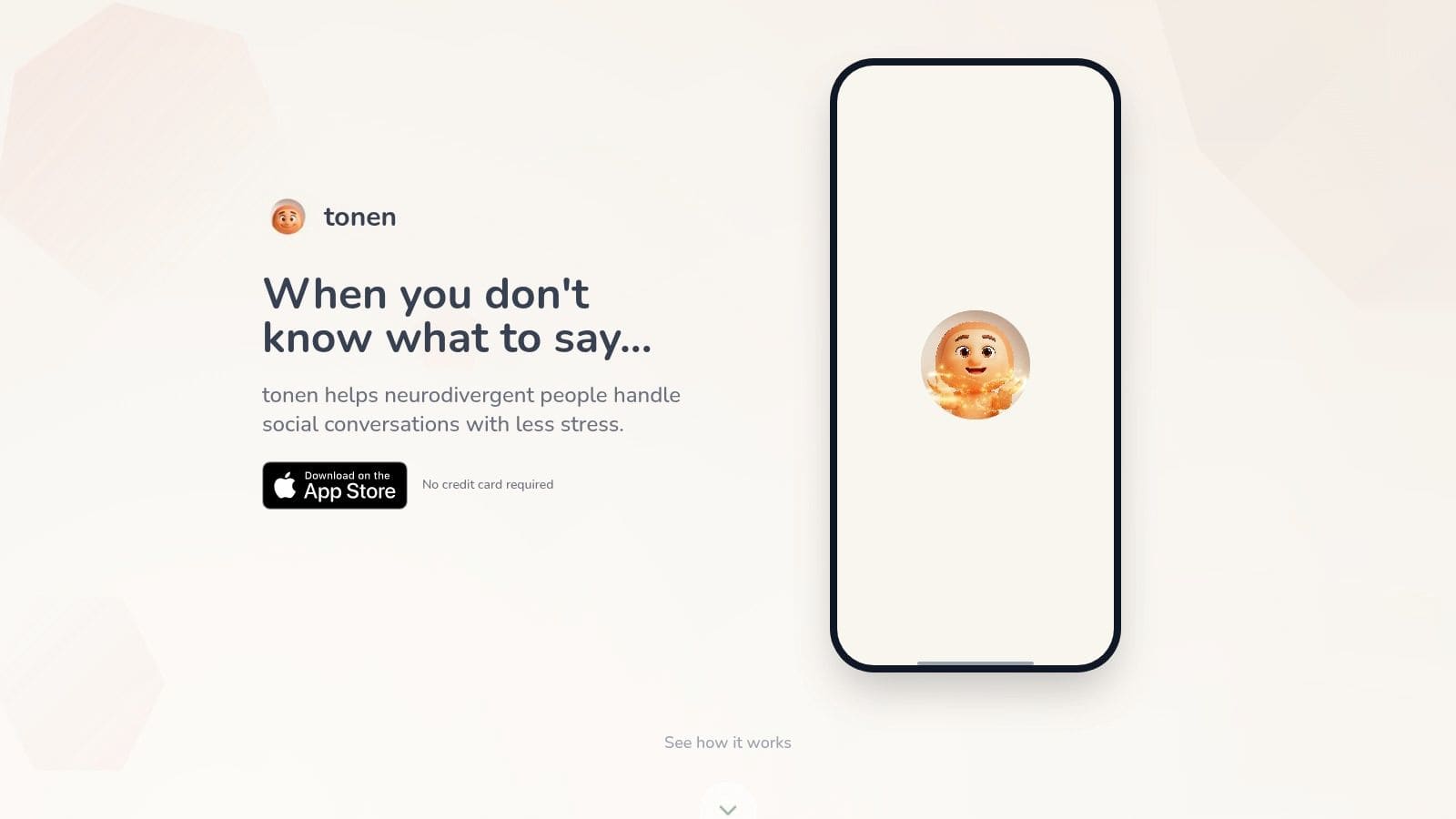
Tonen is a standout iOS application meticulously designed to reduce the stress and cognitive load of everyday conversations for neurodivergent individuals. Far more than a simple script library, it functions as a comprehensive conversational toolkit, offering immediate, practical language support for a vast range of real-world scenarios. Its design, created by a neurodivergent developer, prioritises user experience with a clean, low-stimulation interface that makes it an exceptional choice among apps for autism communication.
The platform's strength lies in its thoughtful, multi-layered approach to communication support. It moves beyond generic phrases to provide nuanced, customisable language that empowers users to advocate for their needs, set boundaries, and express themselves authentically without feeling overwhelmed. The integration of in-the-moment calming tools and a privacy-first architecture further solidifies its position as a well-rounded, user-centric tool.
Core Features & Analysis
* Extensive Script Library: With over 188 pre-written scripts, tonen covers situations spanning professional, social, family, and healthcare contexts. Each script provides 2-3 ready-to-use lines, an "opt-out" phrase, and a line for asking for support, offering a critical safety net for difficult conversations.
* Tone & Authenticity Control: A key differentiator is the ability to select from four tones (Direct, Warm, Firmer, Softer). This feature allows users to align the script with their personality and the specific context, ensuring the communication feels genuine rather than robotic.
* Perspective Helper: This innovative tool helps users process social situations. By inputting a short description of an event, the app generates several gentle interpretations and corresponding phrases, aiding in reducing anxiety from misinterpretation.
* Practice Mode & Calm Kit: Users can save scripts to rehearse privately and switch between tones to build confidence. The integrated Calm Kit provides immediate access to grounding exercises, breathing techniques, and visualisations to manage anxiety before or during a conversation.
Practical Application & Use Cases
Tonen excels in providing just-in-time support for planned interactions that often cause significant anxiety. An autistic professional can use it to prepare for a performance review, rehearsing how to ask for a raise using a "Firmer" tone. A student can find scripts for requesting accommodations from a lecturer, while a parent can help their neurodivergent teen practise setting boundaries with friends. As one user noted, "I used to panic before meetings; now I find a script and practice what I want to say." You can learn more about the philosophy behind tonen's conversation scripts.
Platform & Pricing
* Availability: Currently exclusive to iOS and available on the App Store.
* Pricing: Offers a 7-day free trial (no credit card required). Subscription is £4.99/month or £49.99/year.
* Privacy: All scripts and user data are stored on-device, ensuring a high level of privacy.
Website: https://usetonen.com
2. Apple App Store (UK)
While not a singular app, the UK Apple App Store is the essential gateway for accessing the most comprehensive and robust selection of apps for autism communication available for iPad and iPhone. It serves as the primary, trusted marketplace where leading AAC developers launch and support their flagship applications, including Proloquo, TD Snap, and LAMP Words for Life. For UK-based users, it's the definitive source for these powerful tools.
The platform streamlines the entire process from discovery to support. Each app has a dedicated product page with UK-specific pricing in GBP, detailed descriptions, user reviews, and version histories, allowing for informed purchasing decisions. Apple's integrated ecosystem ensures secure transactions and straightforward refund requests if an app doesn't meet a user's needs.
Key Features & User Experience
The App Store stands out for its curation and user-centric policies. Purchases are linked to an Apple ID, meaning an expensive AAC app bought once can be re-downloaded on new or multiple devices at no extra cost. This is a significant benefit given the high price of many specialised communication aids.
* Vast Selection: Unmatched access to the industry's top-tier, research-backed AAC applications.
* UK Localisation: All pricing is in GBP, and app descriptions are tailored for a UK audience.
* Secure & Simple: Purchases are handled securely, and Apple's support infrastructure manages refunds and troubleshooting.
* Privacy Controls: iOS provides strong, transparent privacy settings for each app.
Pricing & Availability
Pricing: Varies significantly from free to over £250 for a single app licence.
Platform: iPhone, iPad, and some compatible Mac apps.
Best For: Individuals and families invested in the Apple ecosystem who need access to the most powerful and widely supported AAC apps on the market.
Visit the Apple App Store (UK) →
3. Google Play Store (Android)
As the official marketplace for Android devices, the Google Play Store is a crucial resource for discovering a diverse range of apps for autism communication suited to UK users. It is the go-to platform for families and schools using Android tablets and smartphones, offering access to popular AAC apps like Avaz AAC, Predictable, and numerous free or low-cost alternatives such as LetMeTalk, making it an excellent starting point for those seeking affordable communication solutions.
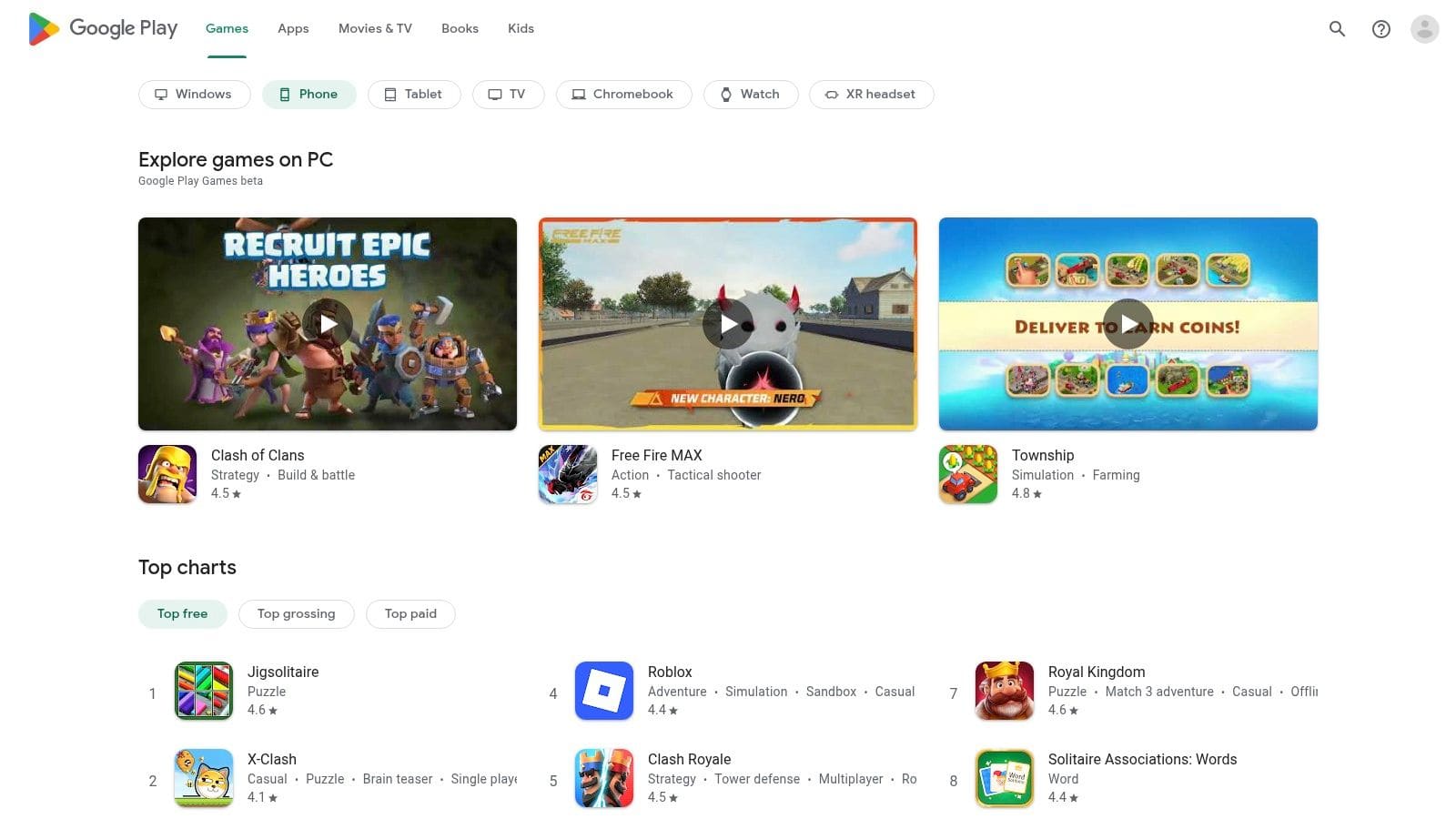
The platform provides a centralised hub for finding, purchasing, and managing applications. Each app features a detailed page with GBP pricing, user reviews, developer information, and permission requirements, empowering users to make informed choices. Google's ecosystem also handles secure payments and offers parental controls, adding a layer of security for family-managed devices.
Key Features & User Experience
The Google Play Store's strength lies in its accessibility and compatibility across a vast array of devices, from budget-friendly tablets to high-end smartphones. This flexibility makes AAC technology more attainable for a wider audience. The store also manages automatic updates, ensuring apps remain current with the latest features and security patches.
* Wide Device Compatibility: Runs on thousands of Android devices at various price points.
* Affordable Options: A strong selection of effective free and low-cost AAC apps.
* User-Friendly Interface: Easy to search, filter, and compare different communication tools.
* Parental & Security Controls: Built-in tools to manage purchases and app permissions for safety.
Pricing & Availability
Pricing: Varies from completely free to one-time purchases often under £200.
Platform: Android smartphones and tablets.
Best For: Schools, families, and individuals looking for cost-effective AAC solutions on non-Apple hardware, or those who prefer the flexibility and choice of the Android operating system.
4. AssistiveWare (Proloquo)
As the official developer of the Proloquo family of apps, the AssistiveWare website is a central hub for purchasing, training, and support. It serves a crucial role for organisations, schools, and families seeking multi-year licences or guidance on funding and reimbursement processes, which are often complex. This makes it a vital resource beyond just downloading an app, positioning it as a long-term partner for users of its specialised apps for autism communication.
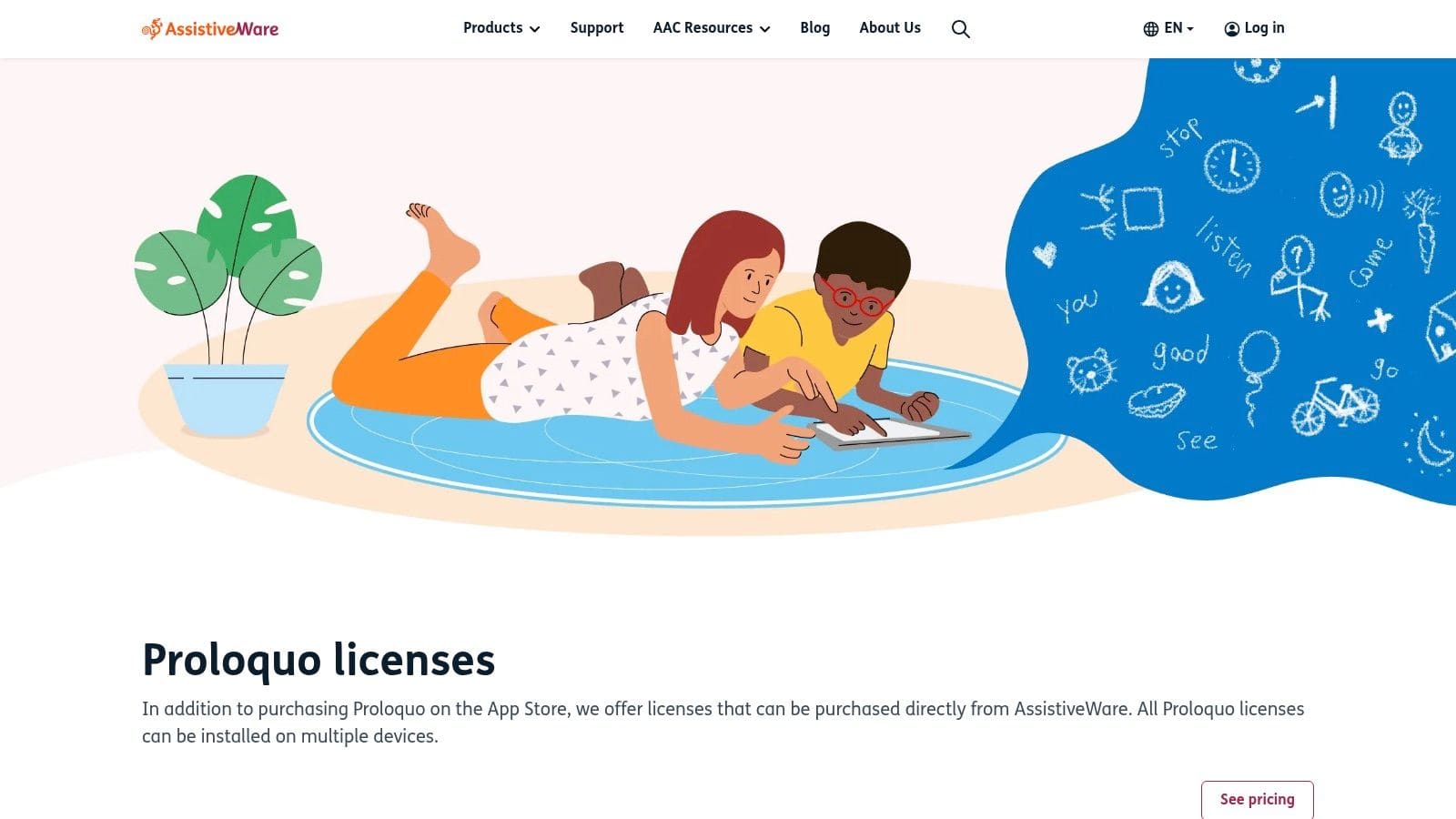
The platform offers a direct path to acquiring licences for its renowned products like Proloquo and Proloquo2Go, bypassing standard app store subscriptions for more predictable, long-term planning. It is also packed with extensive training materials, including the invaluable Proloquo Coach, designed to help parents, therapists, and educators implement the AAC system effectively.
Key Features & User Experience
AssistiveWare's website is organised to support the entire AAC journey, from initial consideration to advanced implementation. The focus on educational resources and alternative purchasing models makes it unique. The direct licence purchase is especially useful for institutions that need to manage software across multiple devices without being tied to individual Apple IDs.
* Multi-Year Licences: Purchase licences for 1, 3, or 5 years, providing cost stability for families and organisations.
* Funding Guidance: Offers detailed resources and support for navigating funding and reimbursement channels in various regions.
* Proloquo Coach: Provides in-app coaching and online resources to help support teams get the most out of the software.
* Direct Support: Access to a knowledgeable support team from the developers themselves.
Pricing & Availability
Pricing: Licences can be purchased directly, with multi-year options offering different pricing tiers. Standard subscriptions are managed via the App Store.
Platform: The website is universally accessible, but the software it supports (Proloquo, Proloquo2Go) requires an iPhone or iPad.
Best For: Schools, therapy practices, and families looking for structured, long-term purchasing options and comprehensive support for the Proloquo ecosystem.
Need autism communication apps? tonen can help.
tonen gives you 188+ conversation scripts, tone guidance and calming tools — designed for autistic adults, ADHD and social anxiety. Try it free for 7 days.
Download on the App StoreiOS only. Android coming soon.
Visit AssistiveWare (Proloquo) →
5. Tobii Dynavox UK (TD Snap)
As the official UK hub for one of the world's leading AAC providers, the Tobii Dynavox UK website is the go-to resource for its flagship software, TD Snap. This platform isn't just a product page; it's a comprehensive ecosystem that provides the TD Snap app itself, optional paid page sets like PODD and Gateway, and vital UK-based technical support. It is a central point for users seeking one of the most powerful symbol-based apps for autism communication.
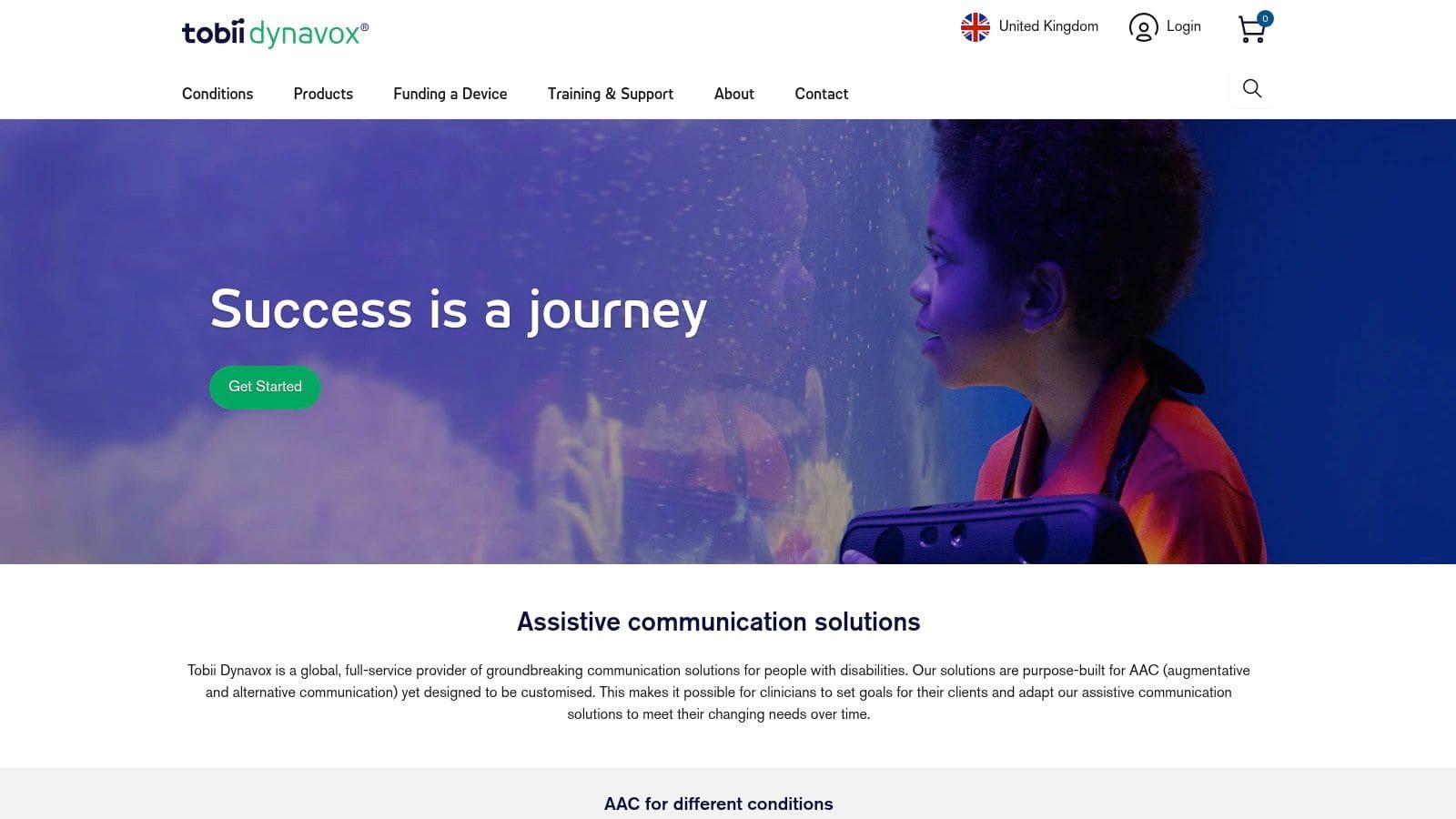
The website centralises access to the software, which is ultimately downloaded via app stores, but also provides essential services around it. Users can explore device compatibility, access UK-specific resources, and connect with local support teams. The integrated myTobiiDynavox cloud service allows users to back up, share, and synchronise their personalised page sets across multiple devices securely.
Key Features & User Experience
Tobii Dynavox UK offers a complete support system, from initial software exploration to long-term use and troubleshooting. The platform provides clear guidance on iOS requirements and compatibility, ensuring users can make informed decisions before purchasing the app or accompanying hardware. The modular nature of TD Snap allows for a tailored communication experience.
* Complete Ecosystem: Integrates software (TD Snap), add-on page sets, cloud services, and dedicated UK support.
* Modular Content: Start with the core app and add specialised page sets (e.g., PODD, Gateway) as communication needs evolve.
* Cloud Backup & Sync: The myTobiiDynavox service protects user data and ensures consistency across devices.
* UK-Specific Support: Provides localised technical assistance and resources.
Pricing & Availability
Pricing: The TD Snap app has a one-time cost (approx. £49.99), with optional page sets available as in-app purchases.
Platform: Available on iPad, iPhone, and Windows devices.
Best For: Individuals and professionals seeking a robust, scalable AAC system with strong UK-based support and a clear growth pathway.
Visit Tobii Dynavox UK (TD Snap) →
6. Smartbox (Grid for iPad / Grid software)
Smartbox is a leading UK-based developer behind the powerful Grid AAC software, making its website an essential hub for users seeking comprehensive support and purchasing options. It provides direct access to information on Grid for iPad, one of the most respected apps for autism communication, alongside its flagship Grid software for Windows. The site is a central resource for UK-specific training, implementation guides, and direct support from the team that builds the software.
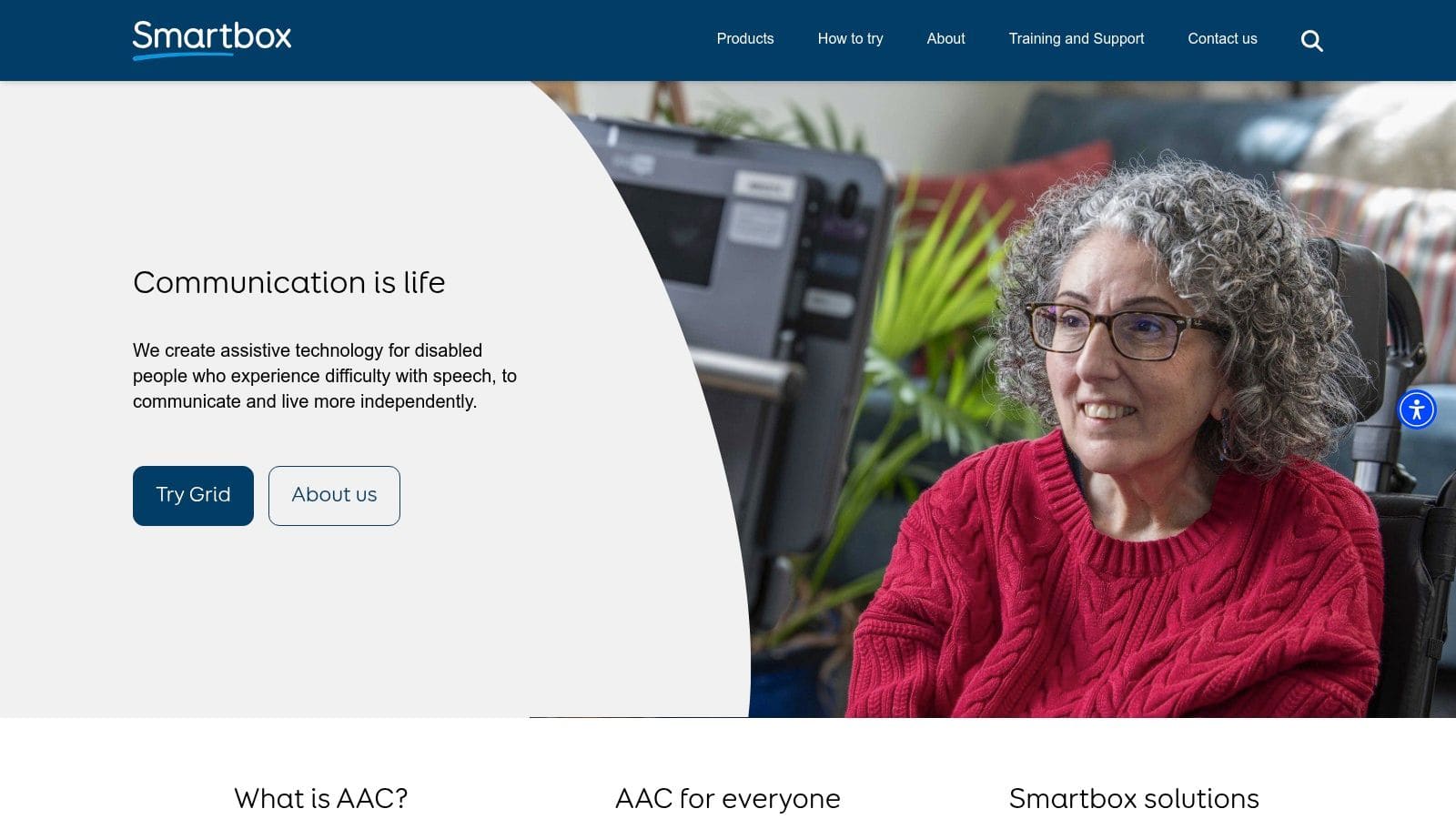
Unlike a simple app store page, the Smartbox website offers a complete ecosystem around its products. It details popular ready-made vocabularies like Super Core and provides guidance on VAT exemption for eligible UK customers, a significant cost-saving consideration. The platform is also the go-to place for schools and organisations looking for volume purchasing and dedicated support.
Key Features & User Experience
The website is structured to support users from initial exploration through to advanced implementation. It clearly separates information for its different products while offering a unified knowledge base with webinars, video tutorials, and downloadable resources. This direct-from-developer support model is a key advantage.
* UK-Centric Support: Direct access to a UK-based team for sales, training, and technical assistance.
* Comprehensive Resources: Offers extensive free training materials, webinars, and guides for parents, therapists, and educators.
* Grid for iPad: A full-featured AAC app with symbol and text-based communication, accessible directly via the App Store but supported through the Smartbox site.
* Specialised Vocabularies: Includes detailed information on research-backed grid sets like Super Core, designed to support language development.
Pricing & Availability
Pricing: Grid for iPad is a premium, one-time purchase on the App Store (check for current price). Grid 3 for Windows has separate licensing costs available via the website.
Platform: Grid for iPad (iPadOS), Grid 3 (Windows).
Best For: UK-based families, schools, and therapists looking for a robust, well-supported AAC ecosystem with excellent local training and customer service.
7. Liberator Ltd (PRC-Saltillo UK)
As the official UK partner for global AAC leader PRC-Saltillo, Liberator Ltd is an essential resource for families and professionals using high-level apps for autism communication like LAMP Words for Life and TouchChat. While the apps themselves are purchased via the App Store, Liberator's website provides the crucial UK-specific support, training, and resources needed to implement them successfully. It bridges the gap between buying a powerful app and knowing how to use it effectively.
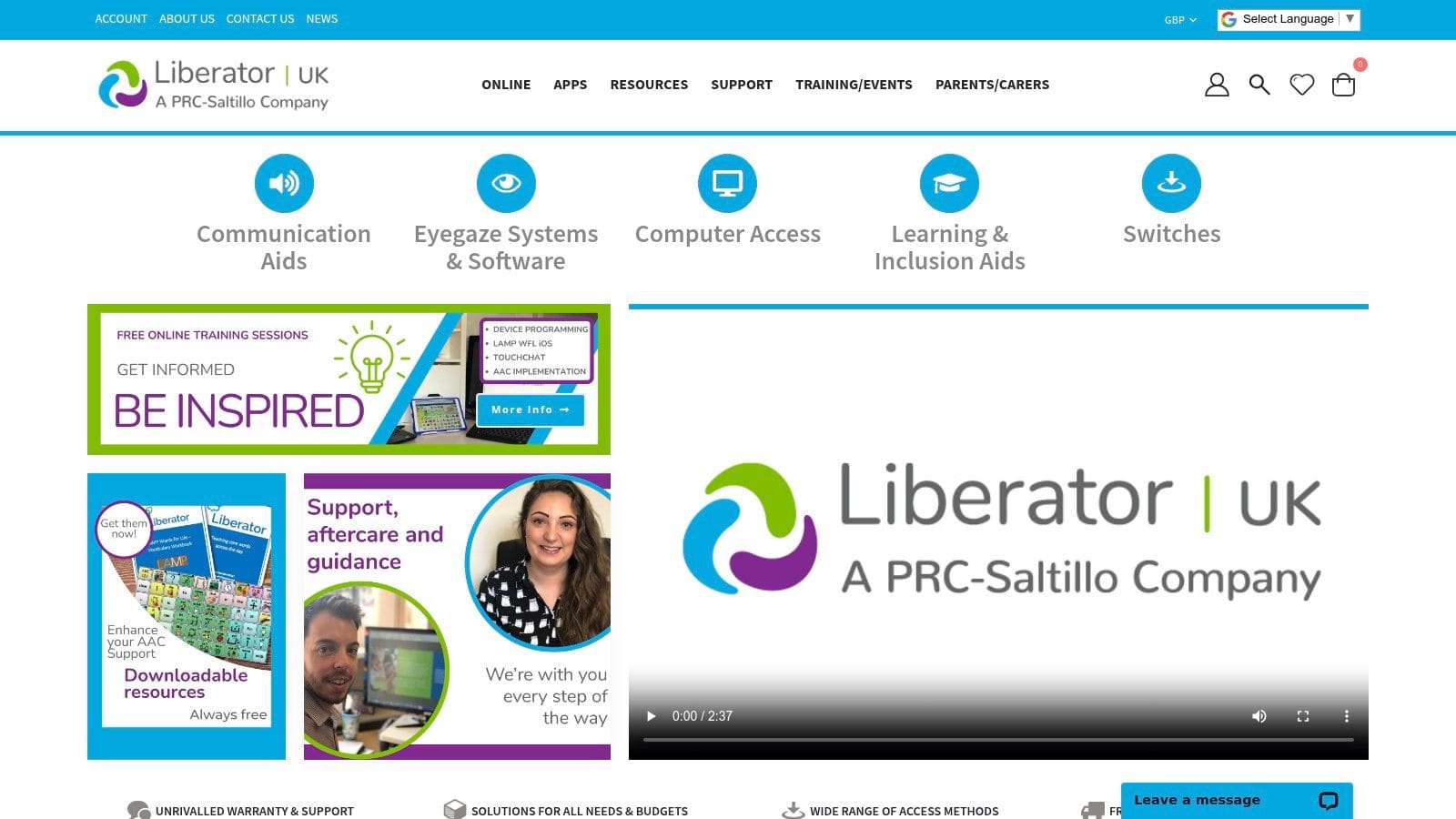
The platform is the definitive UK source for information on app sales, updates, and trial versions, helping users make informed investment decisions. More importantly, it provides access to a wealth of UK-based training courses and free webinars on the LAMP methodology, helping parents, therapists, and educators maximise the app's potential for language development.
Key Features & User Experience
Liberator's value lies in its localised support ecosystem. The website is a hub for downloading UK-specific vocabulary files, finding regional training events, and accessing a dedicated UK support team. For those considering a move from an iPad app to a dedicated communication device, Liberator provides a clear pathway and expert guidance.
* UK-Based Training: Offers specialised online and in-person training on the LAMP methodology and app implementation.
* Sales & Trial Information: Announces official UK app sale dates, saving users significant money on premium apps.
* Localised Resources: Provides access to UK-specific vocabulary sets and support documentation.
* Hardware Pathways: Connects app users with dedicated speech-generating devices (SGDs) if their needs evolve.
Pricing & Availability
Pricing: The resources and support information on the website are free to access. Training courses and events are priced individually.
Platform: This is a web-based resource; the apps it supports are available on iOS.
Best For: UK-based families, therapists, and schools who have invested in or are considering LAMP Words for Life or TouchChat and need expert implementation guidance and support.
Visit Liberator Ltd (PRC-Saltillo UK) →
8. Avaz (Avaz AAC)
Avaz AAC is a highly regarded, picture-based communication app designed to support children and adults with complex communication needs. It stands out for its user-friendly interface and a structured, research-backed vocabulary that grows with the user, making it one of the most accessible apps for autism communication for beginners and their support teams. Its multi-platform availability on both iOS and Android ensures wider accessibility for families and schools.
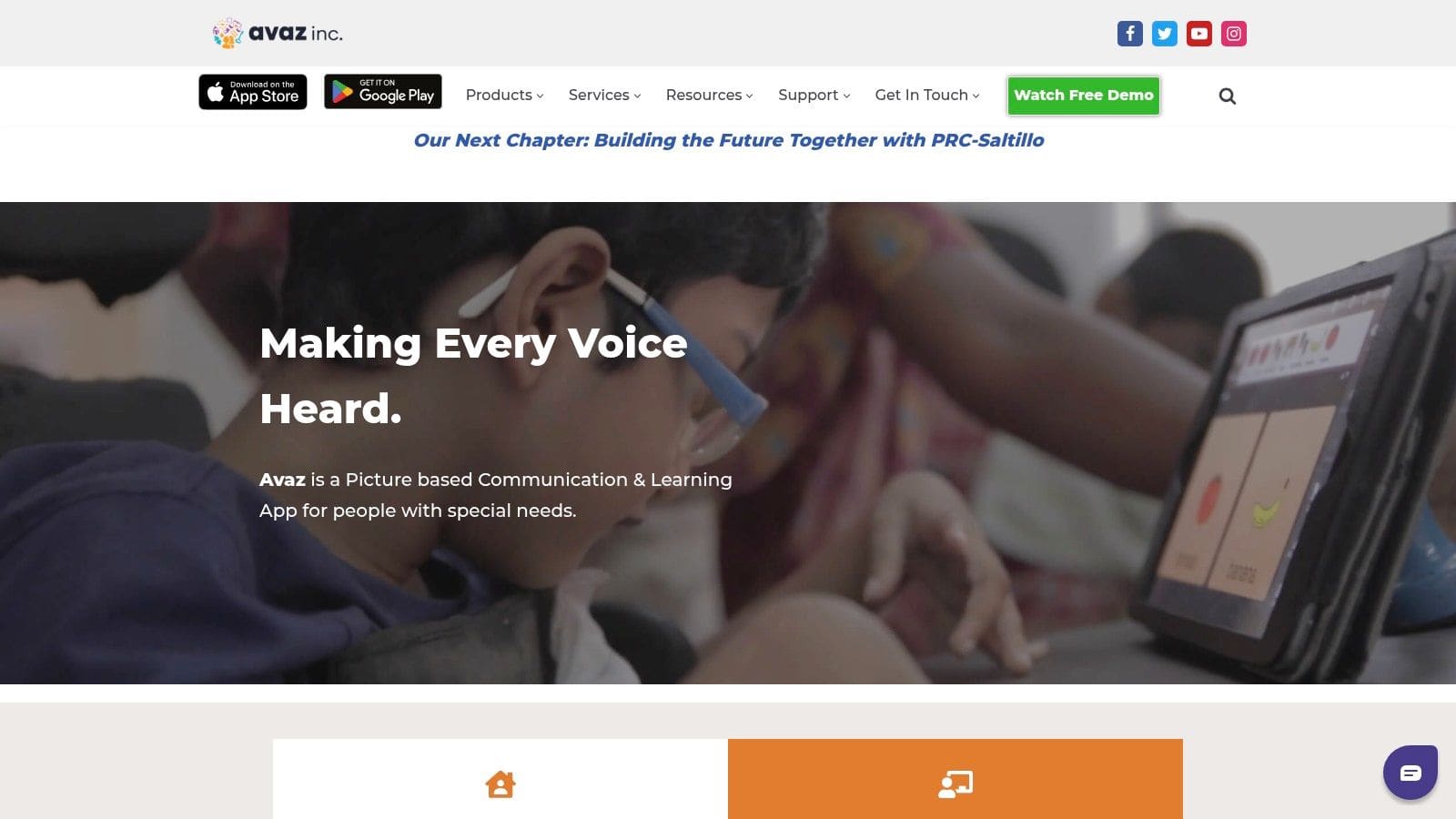
The app is built around a core vocabulary with three progressive levels, guiding users from simple picture-based choices to constructing complex sentences. Avaz offers extensive customisation options, allowing therapists and parents to personalise the grid size, symbols, and voice output to perfectly match an individual's motor and cognitive skills. Its focus on providing a clear learning pathway makes it an excellent starting point for those new to AAC.
Key Features & User Experience
Avaz is designed to feel intuitive and less overwhelming than more complex systems. The dashboard provides easy access to customisation settings, vocabulary editing, and a helpful practice mode. The developer also offers a wealth of tutorials and support materials, demonstrating a strong commitment to user success.
* Progressive Vocabulary: Three graded levels help users build language skills systematically.
* High-Quality Voices: Includes natural-sounding UK English voices for clear communication.
* Extensive Customisation: Easily edit folders, add photos, change colours, and adjust grid layouts.
* Cross-Platform: Available on both iPad/iPhone and Android devices, offering flexibility.
Pricing & Availability
Pricing: Offers a free trial, then flexible subscription options (monthly, yearly) and a one-time lifetime purchase. UK pricing is available in-app.
Platform: iPad, iPhone, and Android devices.
Best For: Children, beginner AAC users, and educational settings looking for an intuitive, customisable, and well-supported communication tool with a clear developmental path.
9. CoughDrop
CoughDrop is a uniquely flexible, cloud-based AAC system designed for seamless use across multiple devices and operating systems. It runs on iOS, Android, and web browsers, making it an excellent choice for families, schools, and support teams who use a mix of technology. Its core strength lies in its cloud-sync and remote collaboration features, which allow caregivers and therapists to edit communication boards and provide support from anywhere.
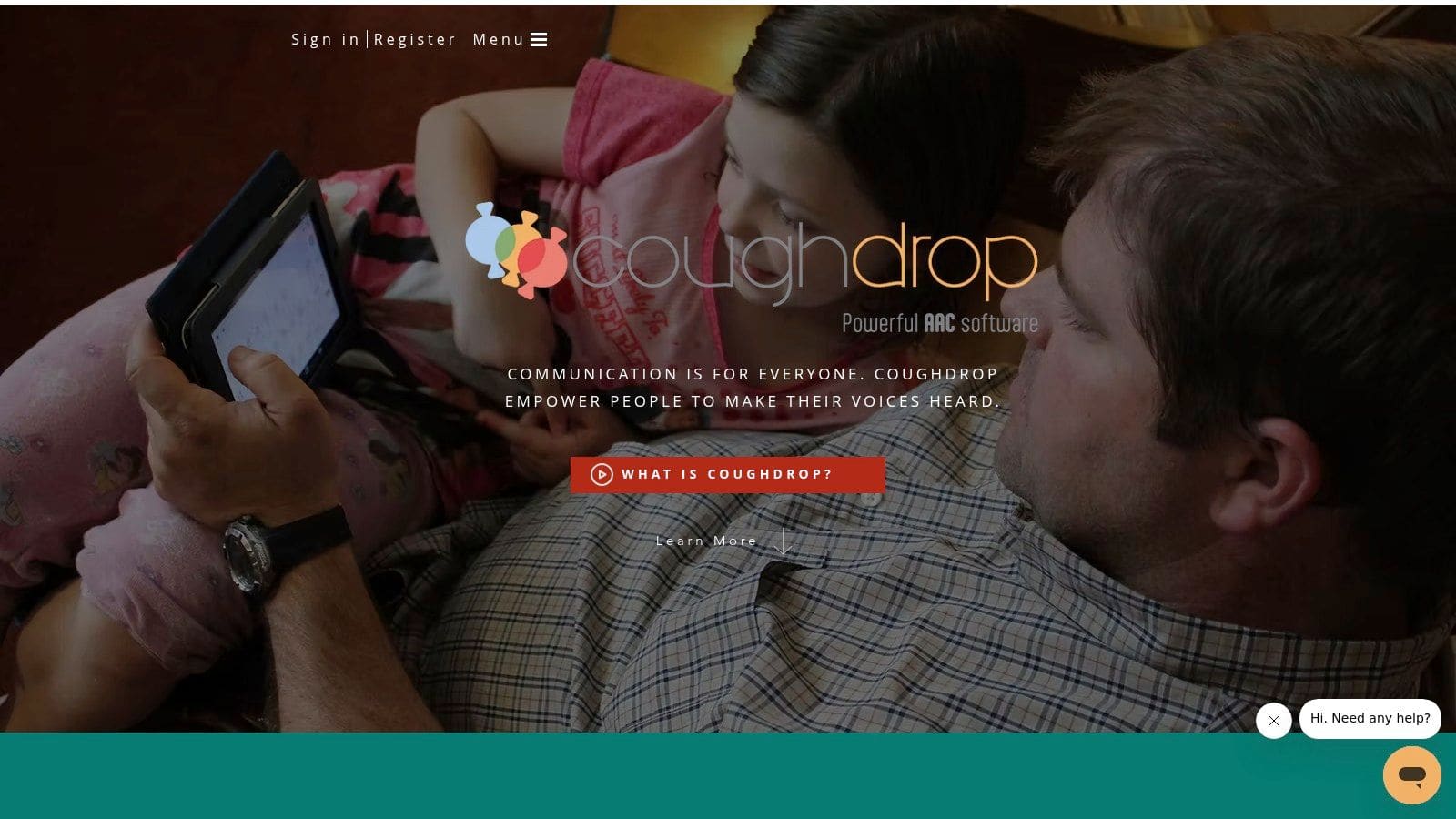
This platform stands out as one of the most accessible and collaborative apps for autism communication, breaking down barriers between different devices. A therapist using a laptop can update a user's communication board, and the changes will automatically appear on the user's tablet. This real-time, remote support is invaluable for modelling language and making timely adjustments to vocabulary sets without needing physical access to the device.
Key Features & User Experience
CoughDrop's web-first approach means the user experience is consistent whether on a dedicated app or a browser. It supports robust customisation of boards and a large library of symbols. The platform also offers free "supporter" accounts, allowing family members, teachers, and therapists to log in, model language, and edit boards without requiring a full paid licence for themselves.
* Cross-Platform Sync: Works seamlessly across iOS, Android, Windows, Mac, and Chromebooks via a web browser.
* Remote Editing & Modelling: Supporters can edit boards and provide coaching remotely, a key feature for therapy and family support.
* Flexible Access: Can be used online or offline, with changes syncing automatically once an internet connection is re-established.
* Built-in Reporting: Tracks usage to provide insights into communication development.
Pricing & Availability
Pricing: Offers a two-month free trial. Plans include a monthly subscription (£5/month) or a lifetime purchase (approx. £160). Free accounts are available for supporters.
Platform: iOS, Android, Windows, Mac, ChromeOS (Web).
Best For: Individuals, families, and school teams needing a cost-effective, multi-platform AAC solution with strong remote support and collaboration capabilities.
10. Therapy Box (Predictable)
Therapy Box is a UK-based developer behind Predictable, a powerful text-to-speech app designed for literate individuals who cannot use their natural voice. As one of the leading text-based apps for autism communication, it uses sophisticated word prediction to speed up message composition. Its focus on accessibility and customisation makes it a strong choice for users with complex physical needs.
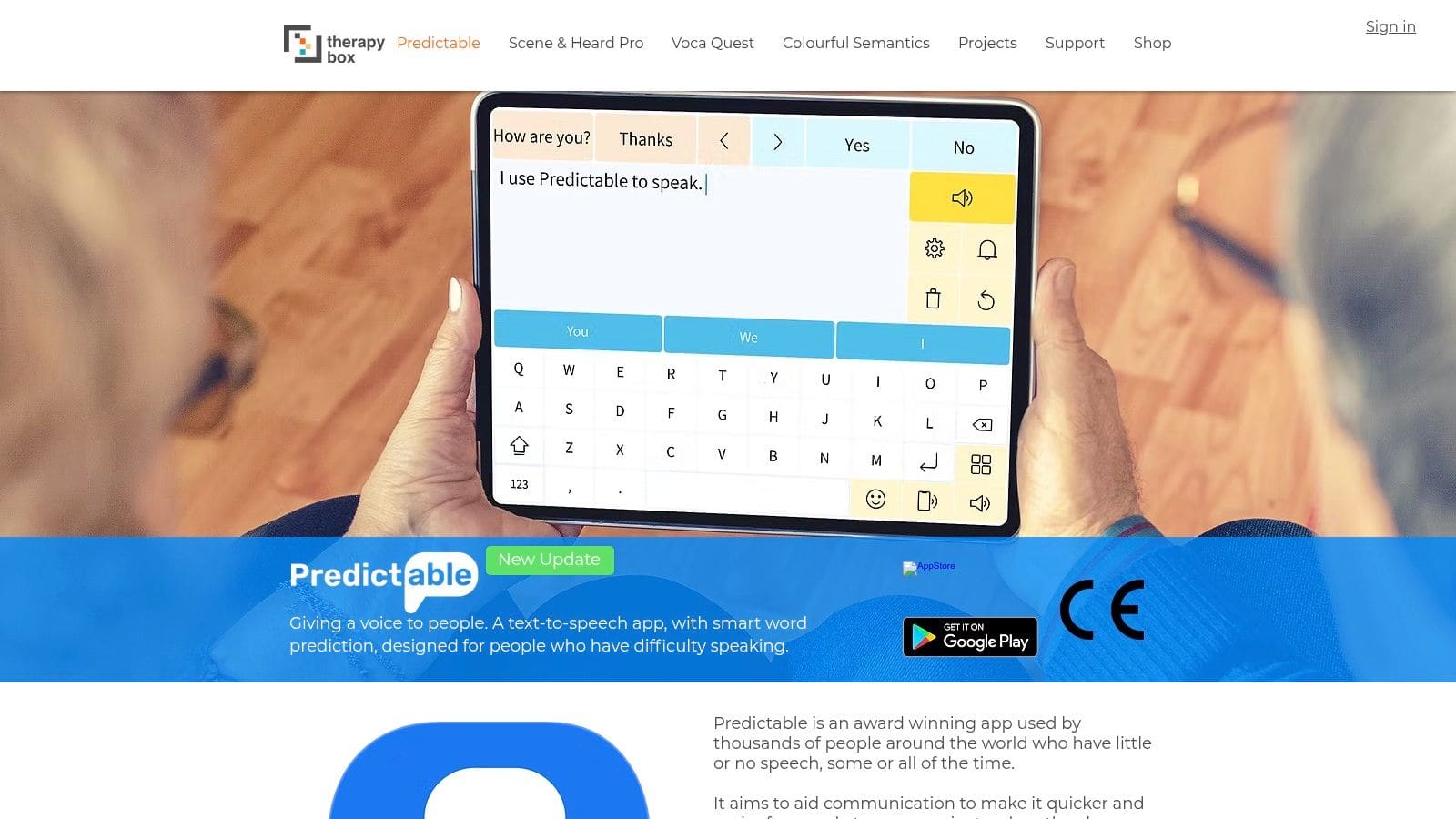
The platform is distinguished by its extensive access methods, which go beyond simple touchscreen use to include switch scanning, head tracking, and external keyboard compatibility. Therapy Box also provides a web platform for remote management, allowing therapists or family members to edit and import content easily. This, combined with active UK-based support and training resources, makes it a well-supported ecosystem.
Key Features & User Experience
Predictable's core strength lies in its intelligent word prediction engine, which learns a user's vocabulary and style to offer relevant suggestions, significantly reducing typing effort. The interface is clean and customisable, allowing users to adjust themes, fonts, and layouts to suit their visual and motor needs. The ability to save frequently used phrases in category folders further enhances communication speed.
* Advanced Word Prediction: Learns from user input to provide faster, more accurate text entry.
* Multiple Access Methods: Supports head tracking, switch access, and external keyboards for diverse physical needs.
* Remote Management: A web platform allows for easy content editing and backup by support teams or family.
* UK-Based Support: Direct access to training, webinars, and customer support from the UK development team.
Pricing & Availability
Pricing: Available as a one-time purchase on the App Store and Google Play (approx. £159.99, subject to change).
Platform: iPad, iPhone, and Android devices.
Best For: Literate autistic adults and teens who require a robust, text-based communication aid with advanced accessibility options and strong UK support.
Visit Therapy Box (Predictable) →
11. Special iApps (Special Words, Special Stories)
Special iApps is a UK-based social enterprise that develops simple, highly customisable educational apps designed for children with special educational needs. Their key offerings, Special Words and Special Stories, are focused on building early vocabulary, literacy, and personal narrative skills, making them excellent foundational apps for autism communication. Rather than offering a complex AAC grid, these apps provide a gentle, personalised introduction to associating images, text, and sound.

The core strength of the platform is its customisability. Parents, therapists, and educators can use their own photos, record familiar voices, and add custom text in over 27 languages. This personal touch helps children connect with the content, using pictures of family, pets, or favourite places to learn words and structure sentences, which can be a powerful motivator for engagement.
Key Features & User Experience
The user interface across all Special iApps is intentionally clean and uncluttered to minimise distractions and support focus. The apps are fully switch-accessible, catering to users with physical disabilities, and are designed without adverts or in-app purchases that could disrupt learning.
* Highly Customisable: Use your own photos, voice recordings, and text to create personalised learning materials.
* SEN-Focused Design: Simple, distraction-free interfaces created specifically for learners with additional needs.
* Multi-Language Support: Content can be created and used in over 27 languages.
* Accessibility Ready: Fully compatible with external switches for users with motor challenges.
Pricing & Availability
Pricing: Apps are available as one-time purchases (approx. £17.99 per app) or through subscriptions like the Special iApps Membership.
Platform: Available on iOS (iPad/iPhone) and Android devices.
Best For: Early years learners, SEN classrooms, and families wanting to create personalised, foundational literacy and vocabulary tools to supplement other communication strategies.
12. CALL Scotland – Wheel of AAC Apps
CALL Scotland, part of the University of Edinburgh, offers an invaluable resource rather than a direct app: the "Wheel of Apps". This curated visual guide categorises a wide range of iPad apps for autism communication, helping parents, therapists, and users navigate the crowded App Store. It organises apps into logical groups, such as text-to-speech, symbol-based AAC, and choice-making, providing a clear map of available tools.
This resource is designed to simplify the complex process of selecting the right AAC tool. By providing a structured overview with notes on key features like switch access or eye-gaze compatibility, it empowers users to make informed decisions before committing to expensive purchases. The downloadable posters are a practical aid for professionals and families to compare options side-by-side.
Key Features & User Experience
The Wheel of AAC Apps is a trusted, research-informed starting point for anyone exploring communication supports. It saves significant time by presenting a pre-vetted list of relevant, high-quality applications. The clear, colour-coded design makes it easy to identify apps that meet specific communication needs.
* Categorised App Map: Visually organises apps by function, from full communication systems to simpler skill-building tools.
* Accessibility Notes: Highlights apps compatible with alternative access methods like switches, head tracking, and eye gaze.
* Downloadable Resources: Provides free A3/A4 posters and guidance documents for easy reference and comparison.
* Direct App Store Links: Each app on the wheel links directly to its page on the UK App Store for current pricing and details.
Pricing & Availability
Pricing: Free to access and download the resources.
Platform: Website with downloadable PDF guides.
Best For: Practitioners, educators, and families in the UK who need a reliable, organised starting point to research and compare the best AAC apps available for iPad.
Visit CALL Scotland – Wheel of AAC Apps →
Empowering Communication, One Tap at a Time
Navigating the vast landscape of apps for autism communication can feel overwhelming, but it's a journey well worth taking. As we've explored, the technology available today offers a remarkable spectrum of support, from comprehensive, symbol-based AAC systems like Proloquo and TD Snap to specialised tools like Predictable for text-based users and tonen for practising conversational tone. The central theme connecting all these tools is empowerment: the power to express needs, share ideas, build relationships, and navigate social environments with greater confidence and less anxiety.
The most effective solution is never a one-size-fits-all download. It's a deeply personal choice that hinges on individual communication styles, specific goals, and the environments where the tool will be used. A robust system from Smartbox or Liberator Ltd might be essential for someone who is non-speaking, while an autistic professional might find a scripting or rehearsal app more relevant for preparing for workplace meetings. The key is to see these apps not as a final fix, but as dynamic partners in the ongoing process of communication.
Your Actionable Path Forward
Making the right choice requires a thoughtful, user-centred approach. As you move from reading this guide to selecting a tool, keep these critical next steps in mind:
* Define the Core Need: Before looking at features, identify the primary communication challenge you want to address. Is it about finding a voice (AAC), understanding social cues, preparing for conversations, or expressing complex thoughts through text? Clarity on this point will immediately narrow your options.
* Involve the User: This is the most crucial step. Whenever possible, the person who will be using the app must be at the centre of the decision-making process. Their preference for the interface, layout, and voice options will directly impact long-term adoption and success. Honour their feedback above all else.
* Leverage Trials and Demos: Nearly every developer, from AssistiveWare to CoughDrop, offers a free trial or a lite version. Use these periods extensively. Test the app in various real-world scenarios, like ordering at a café, participating in a family chat, or practising for a presentation. This practical testing provides invaluable insights that a feature list cannot.
* Consider the Support System: An app is only as good as the support behind it. This includes not just the user but also family, educators, therapists, and colleagues. Ensure that key people in the user's life understand how the app works and how they can best support its use to create an encouraging and inclusive communication environment.
Final Thoughts on Choosing Your Tool
Ultimately, the goal is not just to find an app, but to find the right key to unlock more fluid and less stressful interactions. The journey of finding and implementing one of these apps for autism communication is an investment in autonomy, connection, and self-advocacy. It's about bridging gaps and ensuring every individual has the means to share their unique voice with the world. By taking a measured, personalised, and collaborative approach, you can harness the power of this technology to make a profound and lasting difference.
Ready to build conversational confidence for specific situations like job interviews or social events? tonen offers a unique approach by letting you rehearse conversations and get instant, private feedback on your tone. Explore how it can help you prepare and communicate more effectively at tonen.
Frequently asked questions
This guide covers 12 best apps for autism communication in the uk (2025 guide) with practical, neurodivergent-friendly strategies—clear steps, scripts where useful, and ways to reduce anxiety or overload rather than vague "be confident" advice.